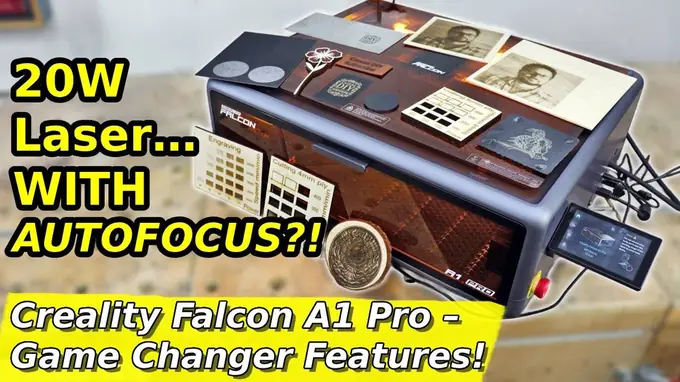
Finding the best desktop laser engraver requires matching optical output wattage, safety enclosure ratings, and working dimensions to your materials. For enclosed cutting power, the Creality Falcon A1 Pro 20W provides a Class 1 enclosed frame with 20W optical output and 3-second autofocus. For ultra-fast metal marking and dual-beam versatility, the xTool F2 pairs a 5000mW infrared laser with a 15000mW diode at speeds up to 6000mm/s. Prioritize optical output, reliable beam alignment, and proper workspace ventilation when choosing between portable galvo platforms and broad open-frame cutters.
| Model | Optical Output | Safety & Housing | Primary Application |
|---|---|---|---|
| Creality Falcon A1 Pro 20W | 20W blue laser | Class 1 enclosed | Heavy cutting and wood craft |
| xTool F2 | 15W diode & 5W IR | Class 4 enclosed | Metal color marking and rapid jobs |
| BlazeX M3 10W | 10W diode | Class 1 enclosed | Beginner starter kit with bed |
| Creality Falcon 10W | 10W diode | Open frame | Large format wooden signs |
| LaserPecker LP2 | Galvo diode | Handheld or open stand | Tumbler rotary and mobile crafts |
| ACMER S1 | 2500mW diode | Class 4 open | Compact benchtop detailing |
Best desktop laser engraver picks compared
Creality Falcon A1 Pro 20W
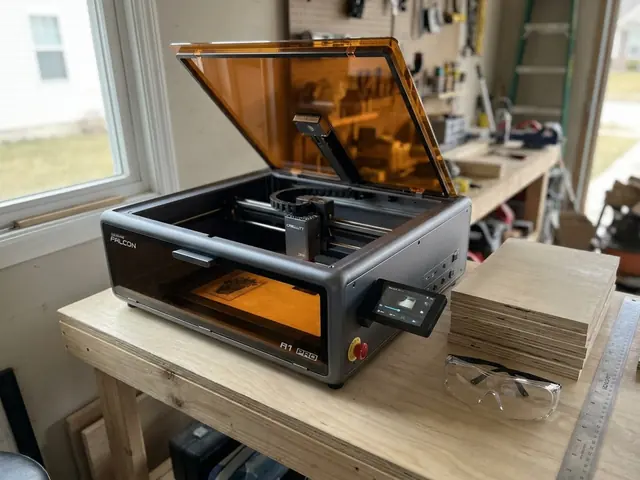
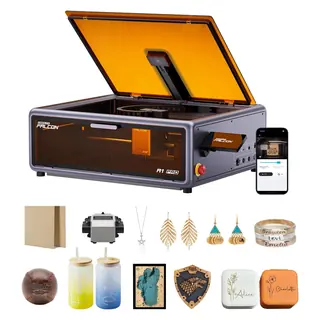
The Creality Falcon A1 Pro 20W is an enclosed Class 1 laser cutter backed by 4.3 stars from 161 ratings (Nov 27, 2026). It delivers 20W blue laser optical output from a 180W machine, cutting 10 mm basswood and 8 mm black acrylic at 600 mm/s. Dual covers filter 99% of light, while an internal fan removes smoke alongside lid-open halt sensors. An HD camera and AI vision deliver autofocus in 3 seconds within 0.012 inches. Choose this if: You need an 80% pre-assembled enclosed machine with touchscreen controls for cutting wood and acrylic. Skip this if: You lack bench space for its 37.4 pounds weight and 32 x 27 x 15 inches footprint, or need the optional 2W infrared module sold separately.
4.3 / 5 (161 Amazon ratings, checked Nov 27, 2026)
- Product Dimensions
- 32 x 27 x 15 inches
- Item Weight
- 37.4 pounds
xTool F2
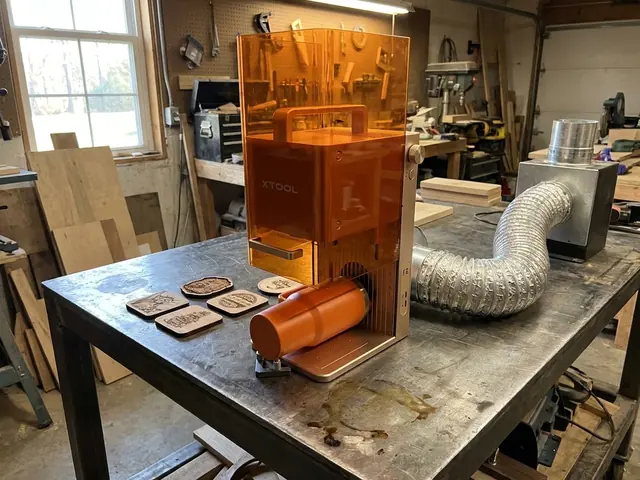
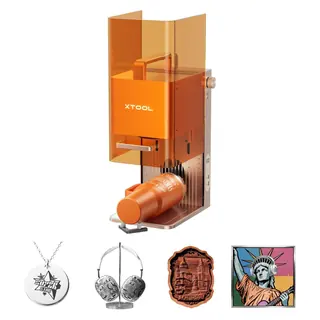
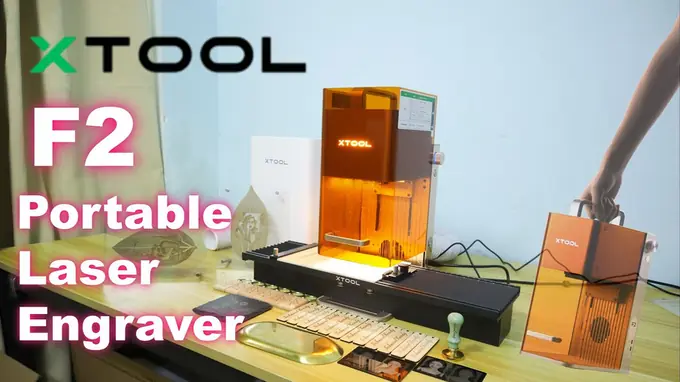
The xTool F2 is a portable dual-beam system holding 4.5 stars from 138 ratings (Nov 27, 2026) with over 400 bought in the past month. It pairs a 15000mW (15W) diode with a 5000mW (5W) infrared laser inside an enclosed housing with an integrated fan. The system reaches 6000mm/s, engraving a card in 3 seconds, while a 50MP camera provides 0.1 mm alignment accuracy and 0.00199" motion accuracy. The 4.6 kg (10 pounds) unit arrives fully assembled with a base plate and material kit. Choose this if: You want fast galvo speeds, 3D embossing, and color marking on metal in a portable housing. Skip this if: You require Class 1 certification, as this is a Class 4 laser engraver, or need the Slide Extension sold separately.
4.5 / 5 (138 Amazon ratings, checked Nov 27, 2026)
- Product Dimensions
- 6.89 x 9.33 x 0.1 inches
- Item Weight
- 10 pounds
BlazeX M3 10W
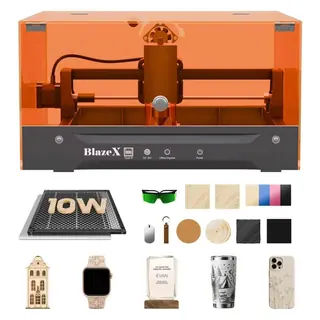
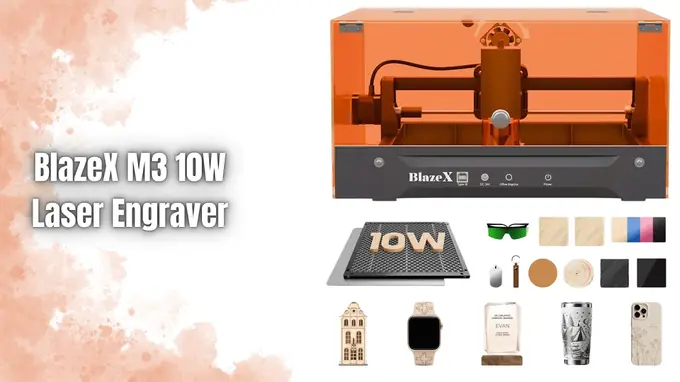
The BlazeX M3 10W provides an all-in-one starter bundle holding 4.3 stars from 252 ratings (Nov 27, 2026) with over 200 bought in the past month. It features a 10W laser module with 0.01mm accuracy across 300 materials including wood, glass, and coated metal. The kit includes a protective enclosure, internal fan, honeycomb bed, tool kit, and 14 materials. The 120 volts corded unit meets Class 1 Safety standards with automatic tilt and lid-open shutoff sensors. Choose this if: You want a beginner-friendly 10W starter kit with an included enclosure and honeycomb bed running LightBurn. Skip this if: You need native metal marking out of the box, as the 1064nm infrared module and rotary roller are optional add-ons sold separately.
4.3 / 5 (252 Amazon ratings, checked Nov 27, 2026)
- Brand
- BlazeX
- Voltage
- 120 volts
- Power Source
- Corded Electric
- Recommended Uses For Product
- Engraving
Creality Falcon 10W
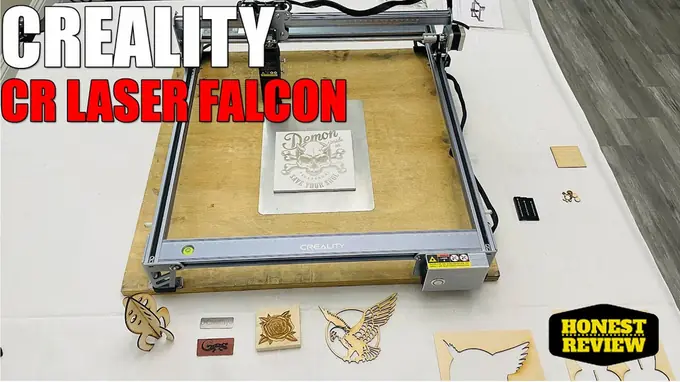
The Creality Falcon 10W is an open-frame cutter backed by 4.2 stars from 231 ratings (Nov 27, 2026) with over 200 bought in the past month. Delivering 10W optical output at up to 10,000mm/min, it cuts 5mm basswood or 3mm black acrylic in a single pass with a 0.06 x 0.06mm spot. The 7.05 pounds machine features an aluminum frame and a spacious 15.7" x 16.3" working area. It supports LightBurn with offline SD card operation, and includes protective goggles. Choose this if: You want an open 15.7" x 16.3" bed for wooden signs with offline SD card convenience. Skip this if: You need built-in fume extraction, as this open-frame model has no fan and requires an external enclosure for indoor ventilation.
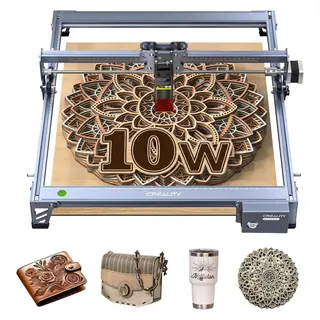
4.2 / 5 (231 Amazon ratings, checked Nov 27, 2026)
- Product Dimensions
- 22.36 x 24.88 x 7.79 inches
- Item Weight
- 7.05 pounds
LaserPecker LP2
The LaserPecker LP2 is a portable galvo engraver holding 4.2 stars from 319 ratings (Nov 27, 2026) with over 50 bought in the past month. Weighing 3.75 pounds with 5.91 x 5.91 x 8.66 inches dimensions, it reaches engraving speeds up to 1417 "/min with a 0.05 mm spot. The suit set includes an electric stand, safety glasses, and an electric roller for tumblers, with trolley mode extending length up to 196". It cuts wood and paper up to 0.2" thick at an 11 cm (4.33") distance. Choose this if: You want a handheld engraver with a roller for cylindrical tumblers and leather crafts. Skip this if: You plan to engrave pure shiny metals, which the listing states it cannot engrave, or need widths beyond 4".
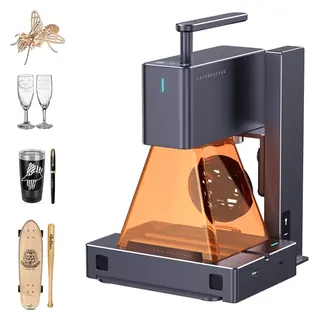
4.2 / 5 (319 Amazon ratings, checked Nov 27, 2026)
- Product Dimensions
- 5.91 x 5.91 x 8.66 inches
- Item Weight
- 3.75 pounds
ACMER S1
The ACMER S1 is a compact desktop engraver holding 4.2 stars from 235 ratings (Nov 27, 2026) with over 500 bought in the past month. Driven by a 2500mW diode laser with 24W machine output and 455±5nm wavelength, it achieves speeds up to 10,000mm/min with 0.01mm repeatable positioning accuracy. It arrives 99% preassembled with a 1-minute laser head setup, offering a 130x130mm area in a 2kg aluminum alloy body. The package includes free Acmerstudio software, supports LightBurn, and carries Class 4 laser certification. Choose this if: You need an entry-level desktop engraver for small craft items, leather, and thin wood with fast setup. Skip this if: You need to cut thick boards, as its 2500mW power is limited to thin sheets, or require a bed beyond 130x130mm.
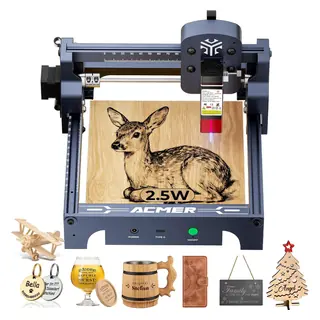
4.2 / 5 (235 Amazon ratings, checked Nov 27, 2026)
- Product Dimensions
- 10 x 2 x 2.7 inches
- Item Weight
- 1 pounds
How to choose a desktop laser cutter and engraver
Optical output power versus electrical consumption
Listing specifications frequently state both optical laser output and total machine power consumption. For example, the Creality Falcon A1 Pro delivers 20W optical power while drawing 180W of electrical input, cutting through 10 mm basswood. The Creality Falcon 10W delivers 10W optical output to cut 5mm basswood in a single pass. The compact ACMER S1 pairs a 2500mW diode with 24W machine output for light craft work. For metal marking, the 5000mW infrared beam on the xTool F2 creates dark color marking on metal surfaces that standard diode beams cannot achieve. When cutting through dense wood sheets, pairing your machine with a best laser engraver air assist compressor blows away burning debris, prevents flare-ups, and protects optics.
Enclosure protection and workspace ventilation
Safety classifications dictate workshop exhaust and enclosure needs. Fully enclosed Class 1 machines like the BlazeX M3 10W and Creality Falcon A1 Pro incorporate sealed covers that filter radiation, interlock switches that pause firing when lids open, and internal exhaust fans to channel smoke. In contrast, open-frame desktop cutters like the Creality Falcon 10W release fumes directly into the workroom. When operating an open-frame unit indoors, housing the machine inside a dedicated best laser engraver enclosure creates a contained negative-pressure workspace that routes smoke outside. Before operating any desktop laser, confirm true optical output wattage rather than electrical input wattage, verify active exhaust ventilation to evacuate smoke, and wear rated laser safety eyewear matched to your laser wavelength.
Workbed dimensions, honeycomb support, and project sizing
Working dimensions establish the physical boundary for your projects. The Creality Falcon 10W provides a spacious 15.7 by 16.3 inch working area for large signs, whereas the ACMER S1 offers a 130 by 130 mm workspace and the LaserPecker LP2 restricts engraving width to 4 inches. When cutting materials on any laser platform, setting workpieces on a best honeycomb laser bed elevates stock above the machine base plate. This open grid structure allows underside exhaust airflow and prevents back-flash burn marks from marring the reverse side of delicate wood and acrylic sheets.
Laser & workshop spec table
| Equipment | Best bench use | Key workshop specs | Amazon rating | Link |
|---|---|---|---|---|
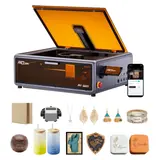 Creality Falcon A1 Pro 20W | Best overall enclosed laser cutter | Product Dimensions: 32 x 27 x 15 inches; Item Weight: 37.4 pounds | 4.3★ (161) | Check Amazon |
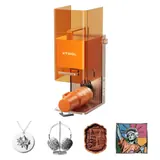 xTool F2 | Best dual-laser for metal and speed | Product Dimensions: 6.89 x 9.33 x 0.1 inches; Item Weight: 10 pounds | 4.5★ (138) | Check Amazon |
 BlazeX M3 10W | Best starter bundle with enclosure | Brand: BlazeX; Voltage: 120 volts | 4.3★ (252) | Check Amazon |
 Creality Falcon 10W | Best open-frame 10W workbed | Product Dimensions: 22.36 x 24.88 x 7.79 inches; Item Weight: 7.05 pounds | 4.2★ (231) | Check Amazon |
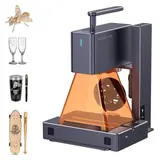 LaserPecker LP2 | Best portable galvo engraver | Product Dimensions: 5.91 x 5.91 x 8.66 inches; Item Weight: 3.75 pounds | 4.2★ (319) | Check Amazon |
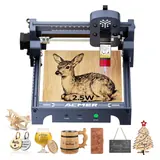 ACMER S1 | Best budget compact diode | Product Dimensions: 10 x 2 x 2.7 inches; Item Weight: 1 pounds | 4.2★ (235) | Check Amazon |
Desktop laser workshop FAQ
Which is the best desktop laser engraver for metal?
The xTool F2 features a 5000mW infrared laser alongside its 15000mW diode that produces vivid color marking on metal. For the Creality Falcon A1 Pro, an optional 2W infrared module with 1064 nm technology handles fine engraving on metal and plastic. The Creality Falcon 10W specifies compatibility with coated metals, while the LaserPecker LP2 can engrave coated metal and brushed stainless steel but cannot process bare shiny metal.
What is the easiest desktop laser engraver software to use?
Most desktop units connect with LightBurn and LaserGRBL across Windows and macOS. The Creality Falcon A1 Pro uses Falcon Design Space software with an integrated touchscreen and app control. The ACMER S1 includes free proprietary Acmerstudio engraving software ready right out of the box.
How do you focus a desktop laser engraver?
Focusing methods vary between different machine designs. The Creality Falcon A1 Pro delivers automatic focusing in 3 seconds using an AI vision system, red-dot ranging laser, and Z-axis auto-lift. Manual focus models like the LaserPecker LP2 require maintaining an 11 cm (4.33 inch) laser distance from the workpiece, while the ACMER S1 operates with a fixed 2mm focal length.
What makes the best desktop laser cutter engraver for thick materials?
Cutting capability is determined by optical output power and laser spot focus. The 20W Creality Falcon A1 Pro cuts through 10 mm basswood and 8 mm black acrylic at speeds reaching 600 mm/s. The Creality Falcon 10W delivers 10W optical output power and cuts through 5mm basswood or 3mm black acrylic in a single pass.
Related laser workshop guides
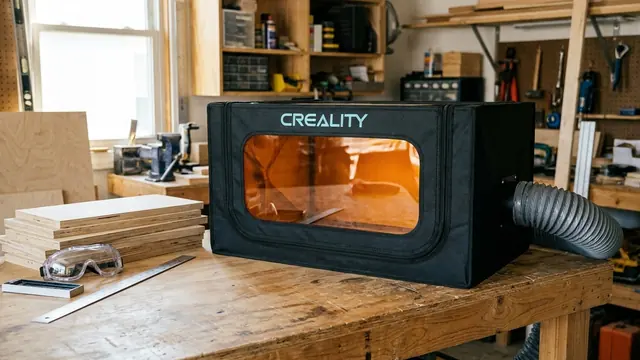 Fume & EnclosuresBest Laser Engraver Enclosure Picks for 2026Compare verified dimensions, 4000 RPM exhaust ventilation, fireproof fabric ratings, and blue-light filtering windows for diode engravers.Read
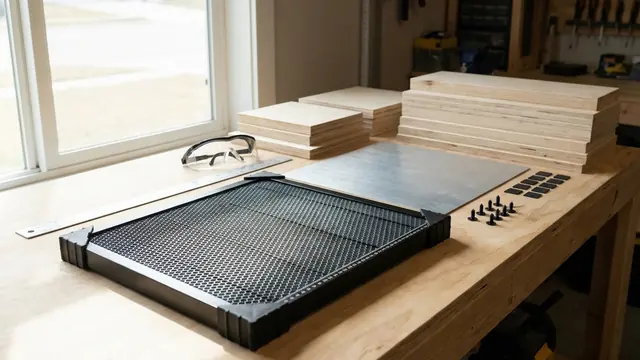 Beds & Air AssistBest Honeycomb Laser Bed Picks for Clean Cuts (2026)Compare 6 honeycomb laser cutting beds with steel cores, aluminum backing panels, corner guards, and magnetic hold-downs.Read
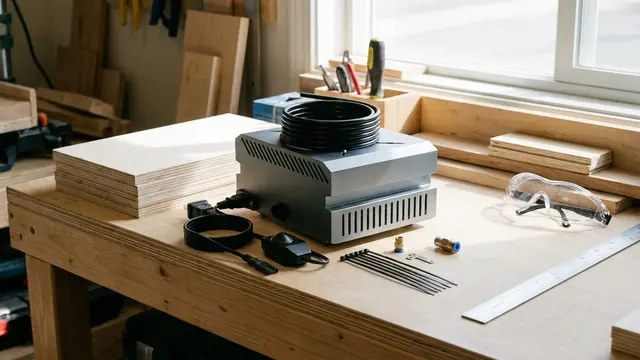 Beds & Air AssistBest Laser Engraver Air Assist Pumps Compared (2026)Airflow ratings from 22 to 50 L/min, noise levels, and laser module compatibility compared from verified retail specs.Read